
Claim a website we made for you
Got a link or a letter from us? Here's how to make the website yours, or say no.
3 minutes 5 steps
- 1
Open your link
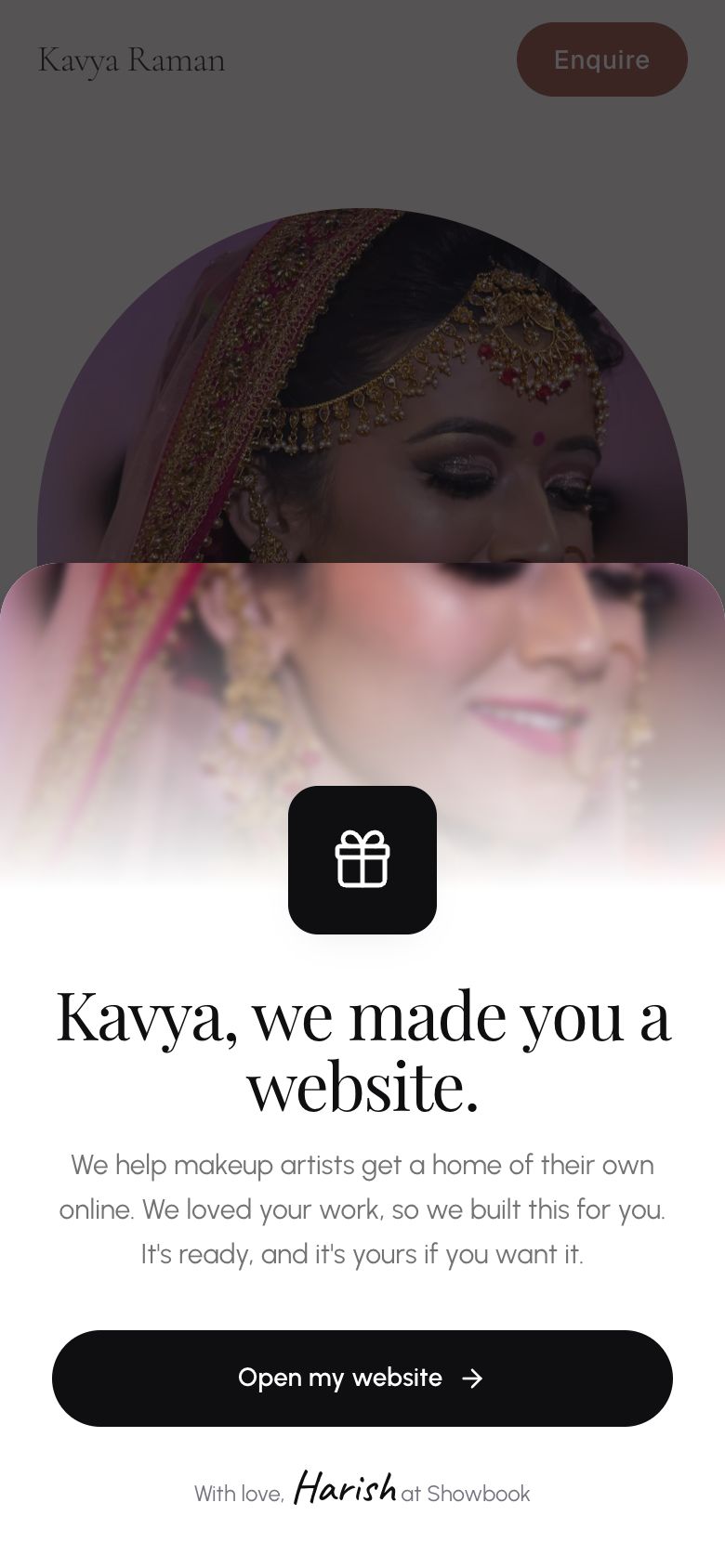
Tap the link in our WhatsApp message, or scan the QR code on your letter. Your website opens with a short note from us. Tap Open my website.
- 2
Look around and try other looks
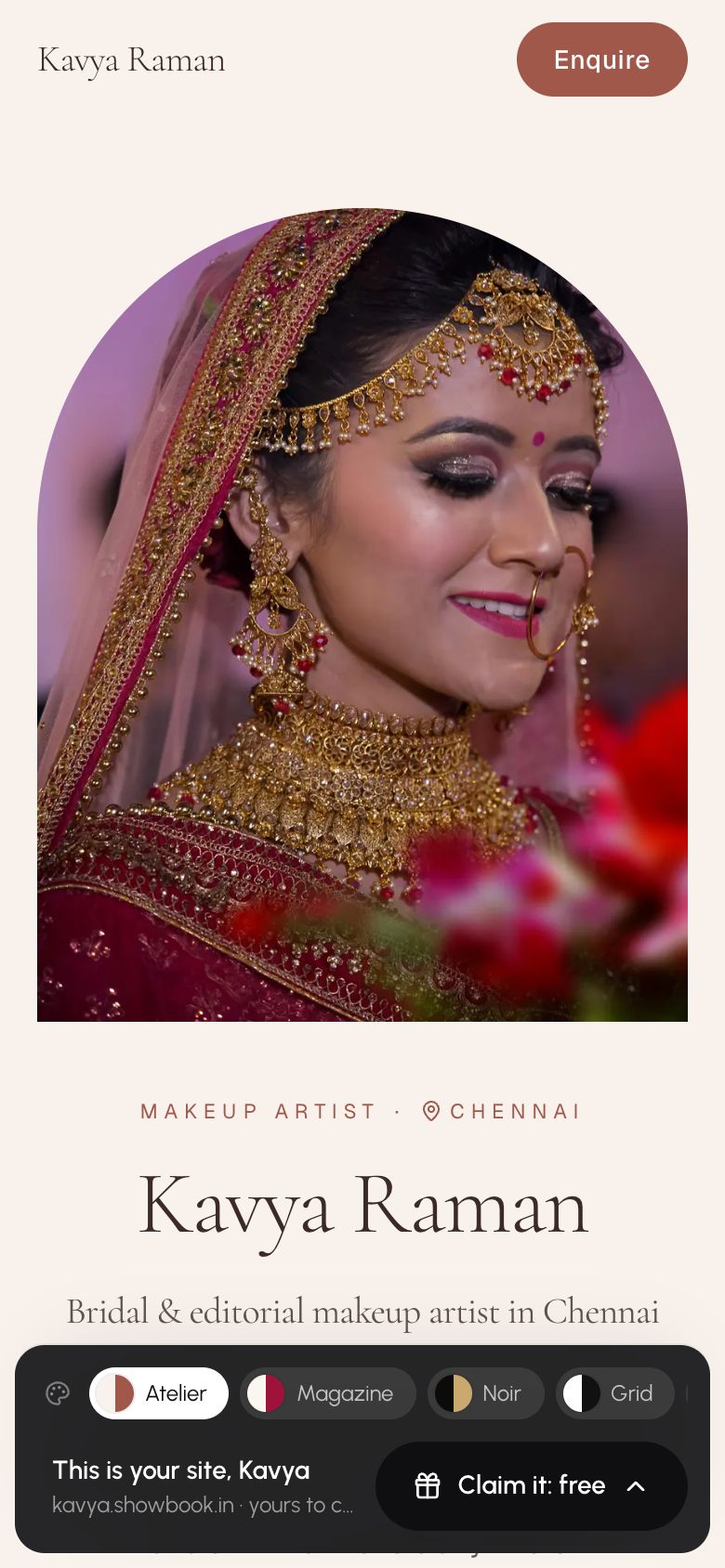
Scroll through your site. The bar at the bottom lets you try other looks; your work moves with you.
A look with a crown is premium. You can claim with the look we picked and unlock another later.
- 3
Tap Claim it: free
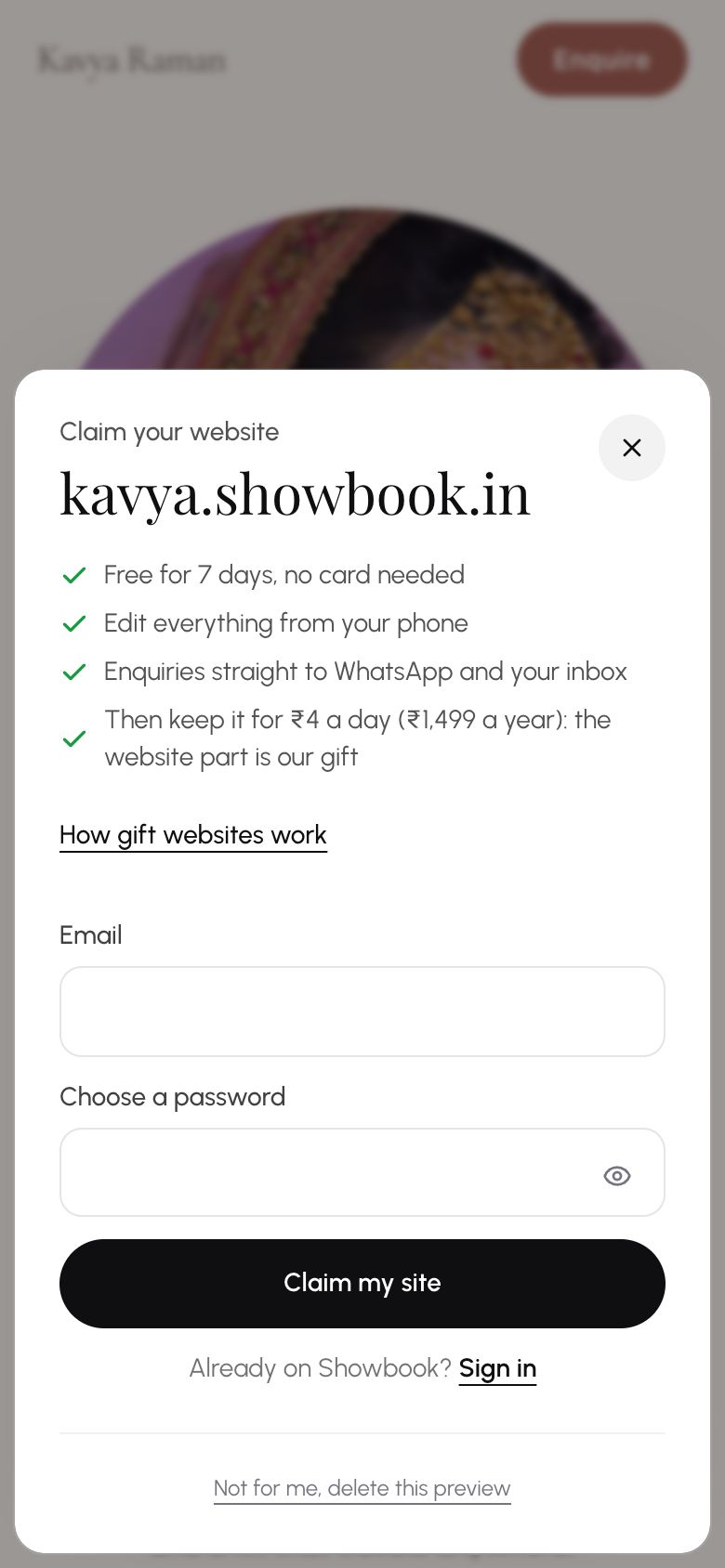
Add your email and choose a password, then tap Claim my site. No card is needed.
Already on Showbook? Tap Sign in on the same sheet.
- 4
It's yours
Your site is live straight away and you land on a page to share it. Change your words, photos and prices any time from your dashboard.
Your site is live
You're on the internet.
Your link
riya.showbook.in
Copy
- 5
Not for you?
On the same sheet, tap Not for me, delete this preview. Your photos and details are removed straight away, and we won't contact you again.
What's next?
- Your first ten minutesFrom picking your address to a live website, all from your phone.
- Share your sitePut your link where clients look: Instagram, WhatsApp, cards.
Still stuck?
Write to us and a real person will help. A screenshot makes it quicker.
Email hello@showbook.in